If you’ve already booked a plot in Faisal Town Phase 2 and you’re based in the UAE, checking on it shouldn’t require a trip back to Pakistan.
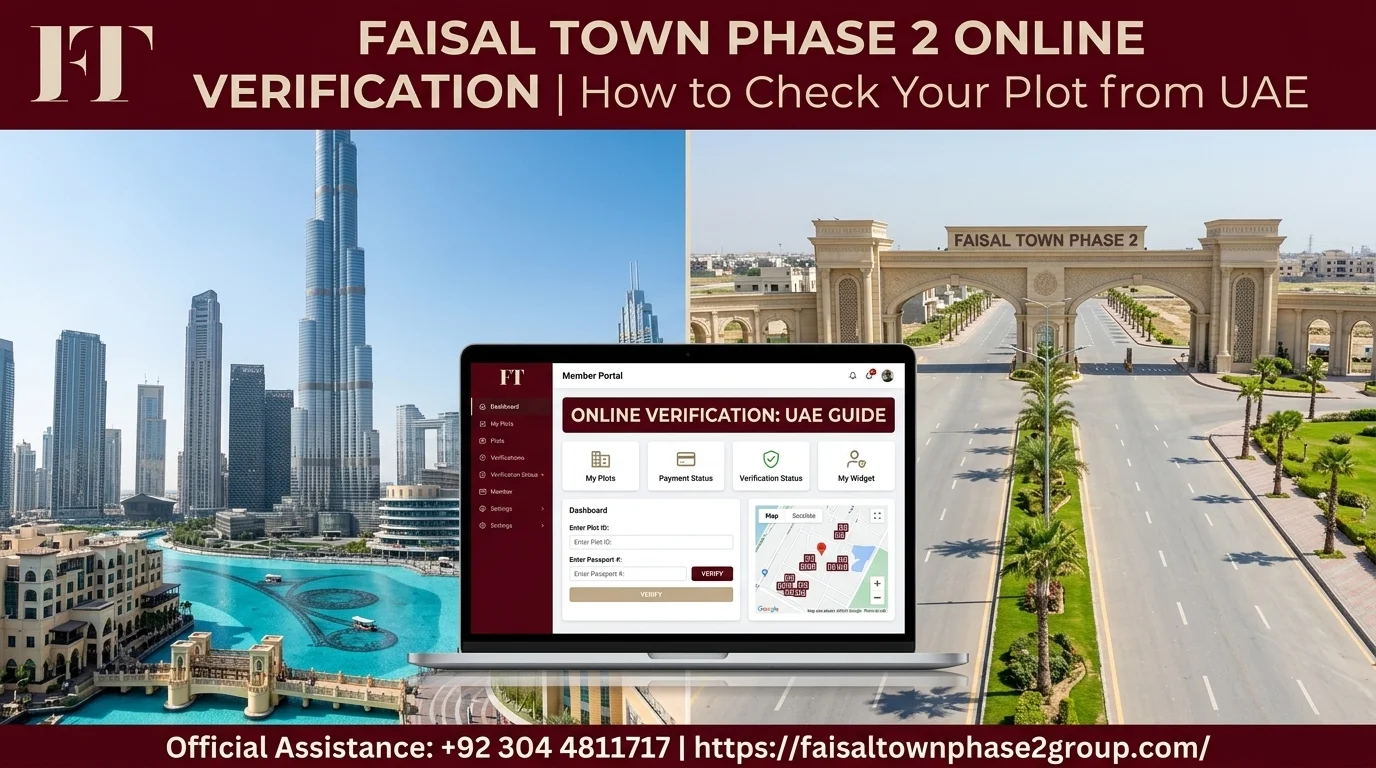
The official member portal lets you see your plot details, payment history, and development status from wherever you are. This guide walks through exactly how to check your plot online, what to do if something looks off, and what works differently when verifying from the UAE.
Quick Answer: Checking Your Plot in Brief
| Step | What You Do |
| 1. Log in | Access the official member portal with your registration details |
| 2. Review | Check your plot number, block, and payment ledger |
| 3. Compare | Match the development status against what you’ve been told |
| 4. Verify | Cross-check payments against your own bank records |
Checking your Faisal Town Phase 2 plot online comes down to a few steps: log into the official member portal, review your plot number and block, check your payment ledger against what you’ve actually paid, and compare the reported development status against what you’ve been told separately.
If you’re in the UAE, keep the time difference with Pakistan in mind when calling the developer, and have someone you trust in Pakistan on standby in case anything needs checking in person.
Why Online Verification Matters for UAE-Based Owners
Faisal Town Phase 2 online verification matters because the paperwork doesn’t stop once you’ve booked a plot. Payments get logged, development moves forward, and details can occasionally get miscommunicated along the way.
For an owner based in the UAE, catching these issues early matters more, since you can’t just drive over and check in person.
Relying only on what a dealer tells you leaves you a step removed from your own records. The member portal gives you a direct line to the developer’s own data, checking facts rather than someone’s summary of them.
What You Can Check Through the Official Member Portal
This is really what Faisal Town Phase 2 online verification comes down to: three main things worth checking separately, since each tells you something different about where your investment stands.
| What You Check | What It Confirms |
| Plot number and block | Matches your allotment letter |
| Payment ledger | Every installment received, with dates and amounts |
| Development status | General progress in your specific sector |
Plot Number and Block Details
The portal confirms your exact plot number, block, and sector, matching what should already be on your allotment letter. Worth checking periodically to confirm your records and the developer’s records still agree.
Payment History and Ledger
Your payment ledger shows every installment received against your account, including dates and amounts. Comparing this against your own bank transfer records confirms a payment was actually applied correctly.
Development Status of Your Sector
The portal typically displays the overall development status for your block or sector. Useful context, but still worth treating as a general indicator rather than a substitute for a detailed, dated update.

How to Verify Your Plot Online: Step by Step
Four steps take you from logging in to actually confirming your records match the developer’s.
| Step | Action |
| 1 | Access the official member portal |
| 2 | Log in with your registration details |
| 3 | Check your plot and payment ledger |
| 4 | Cross-check development status against what you’ve been told |
Step 1: Access the Official Member Portal
Go directly to the developer’s official member portal rather than a link sent by a dealer. Bookmark the correct URL once confirmed.
Step 2: Log In With Your Registration Details
Use the registration number and login details provided at booking. If lost, contact the developer directly rather than asking a dealer to log in on your behalf.
Step 3: Check Your Plot and Payment Ledger
Review your plot number, block, and full payment ledger. Match every entry against your own bank transfer records, line by line.
Step 4: Cross-Check Development Status Against What You’ve Been Told
Compare the portal’s development status against any updates a dealer has given separately. If they don’t match, raise it directly with the developer.
Checking Your Plot from the UAE: What’s Different
The portal works the same everywhere, but being based in the UAE changes a few practical things around it.
- Time zones affect when you can actually reach someone
- No in-person office access means you need a backup plan
- A trusted contact in Pakistan is worth having on standby
Time Zone Considerations When Contacting the Developer
Pakistan is generally one hour ahead of the UAE. Checking the developer’s working hours against your own schedule before calling saves a wasted call.
What to Do If the Portal Doesn’t Match What You Expect
Don’t assume it’s a glitch. Contact the developer directly with your registration number and a screenshot, and ask for written clarification rather than a verbal explanation.
Getting Someone in Pakistan to Verify in Person
For anything the portal and a phone call can’t resolve, having a trusted family member or property consultant in Pakistan who can visit in person is worth arranging ahead of time.

Using the Faisal Town Phase 2 Emap to Track Development
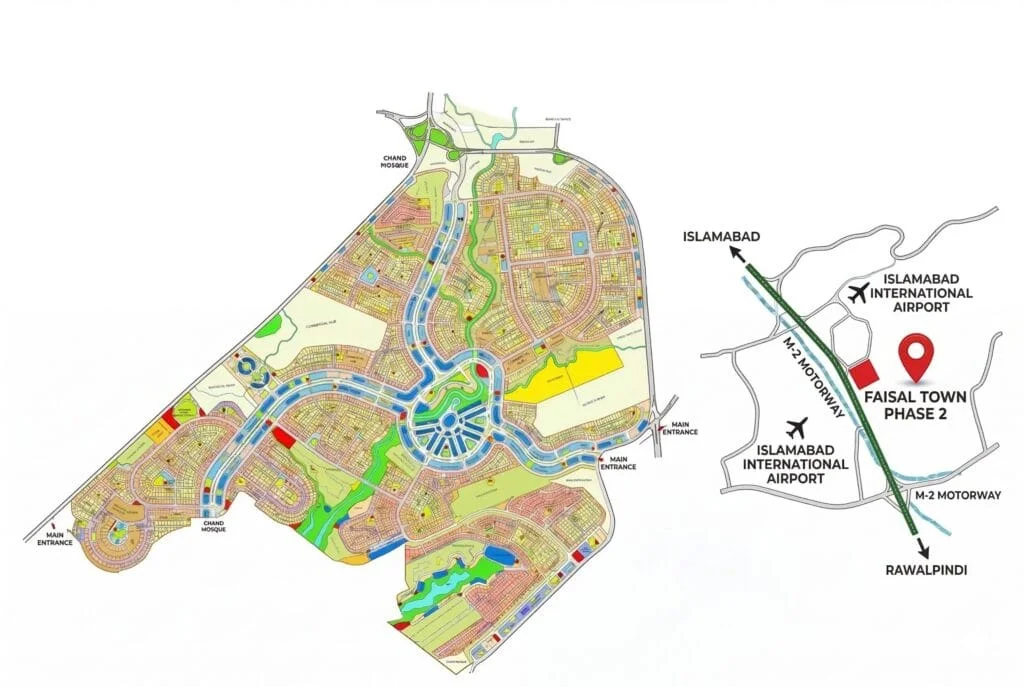
Beyond the member portal, Faisal Town Phase 2 also provides an emap, an interactive map tool that lets you locate your plot visually within its sector and block.
While the member portal provides account details, the emap is more useful for seeing your plot’s position relative to roads and surrounding development. Particularly useful for a UAE-based owner who can’t easily visualize the layout from memory.
- Use the emap to check location, boundaries, and nearby sectors
- Use the member portal to confirm payment and ownership records
- Treat them as companions, not substitutes for each other
What to Do If You Can’t Access the Portal
If you can’t log into the member portal, contact the developer’s customer support directly rather than asking a dealer to resolve it.
- Provide your plot number, registration details, and booking documentation
- Never share your login credentials with anyone offering to “fix it” for you
- Follow up in writing so there’s a clear record of your request
NOC and Legal Status: A Separate Check from Portal Verification
The member portal confirms details about your specific plot, but it doesn’t cover the project’s broader legal standing.
As of now, Faisal Town Phase 2’s NOC remains under process with the Rawalpindi Development Authority (RDA), not yet approved. This applies to the entire project, not any individual plot.
Confirm current NOC status directly through RDA’s own channels rather than assuming the portal covers this; it doesn’t.
Common Mistakes UAE-Based Owners Make When Checking Their Plot
- Checking the portal once after booking and never again
- Accepting a dealer’s verbal update without comparing it to what the portal shows
- Sharing portal login details with a dealer or relative to “check on their behalf”
- Assuming NOC status is covered somewhere in the member portal
- Not following up in writing when something looks inconsistent

Frequently Asked Questions
Final Verdict: Staying on Top of Your Plot from Abroad
Whether you want to check your Faisal Town Phase 2 plot from the UAE for the first time or you’re doing a routine review, Faisal Town Phase 2 online verification isn’t complicated once you know where to look.
The member portal gives you direct access to your plot details and payment history. The emap helps you visualize where your plot sits. A periodic check of both keeps you ahead of discrepancies rather than finding out later.
NOC status is worth checking separately, directly through RDA, since it’s a project-wide matter the portal doesn’t cover.
Having trouble accessing your account or spotted something that doesn’t look right? Get in touch with our team for help verifying your plot details.